
Image Splitter
Image Splitter overview
How the Image Splitter turns wide photos and panoramas into seamless multi-image posts for X.
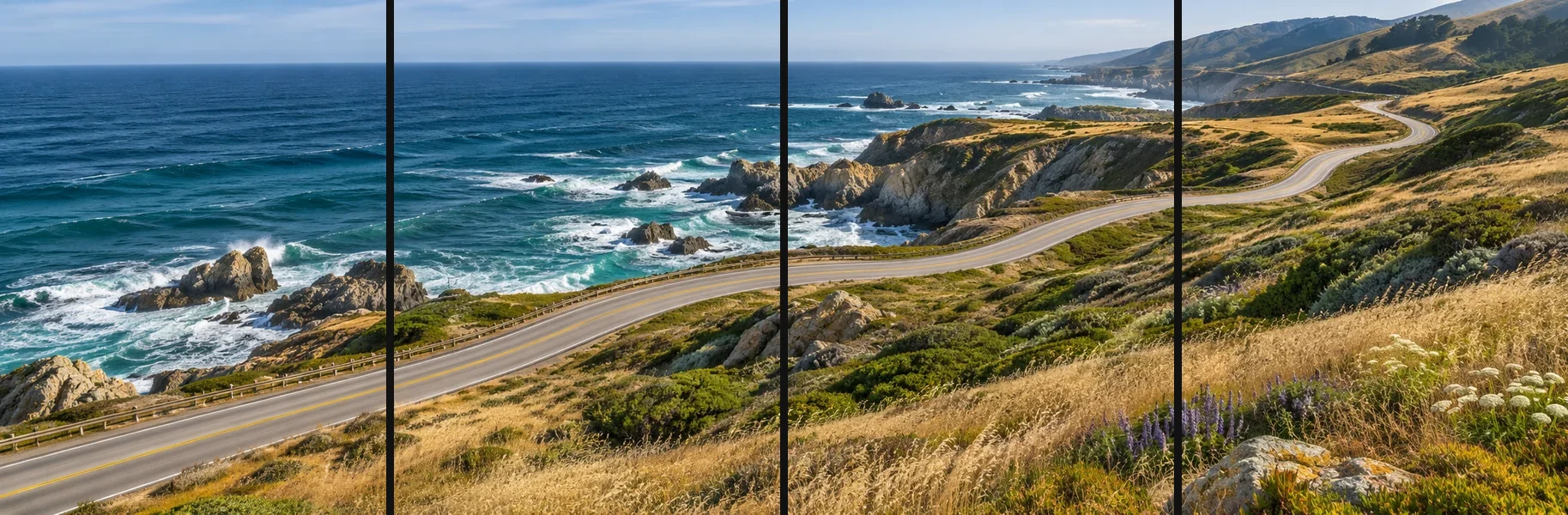
The Image Splitter on the home page cuts wide photos and panoramas into 2 to 20 vertical slices designed for X's multi-image posts. Followers swipe across an unbroken, full-screen visual experience instead of squinting at a squished feed banner. It is free, requires no account, and runs 100% inside your browser at original resolution.
What it accepts
- JPEG, PNG and WebP images. HEIC works where your browser can open it; otherwise convert it to JPEG first.
- One image at a time, at least 2 pixels wide. Animated GIFs are not supported.
What you get
- 2 to 20 image files named
01,02and so on, in left-to-right order. - Each slice at its original pixel size: nothing is stretched or resized.
- JPEG photos stay JPEG; other images are PNG. Download files one by one or as a ZIP.
The workflow
- Split the image: choose a count and keep the slices equal.
- Adjust widths if a subject would fall on a split line.
- Preview and export the files.
- Post to X from your phone or computer.
How your image is handled is explained in Local processing and privacy.